TUTORIALS
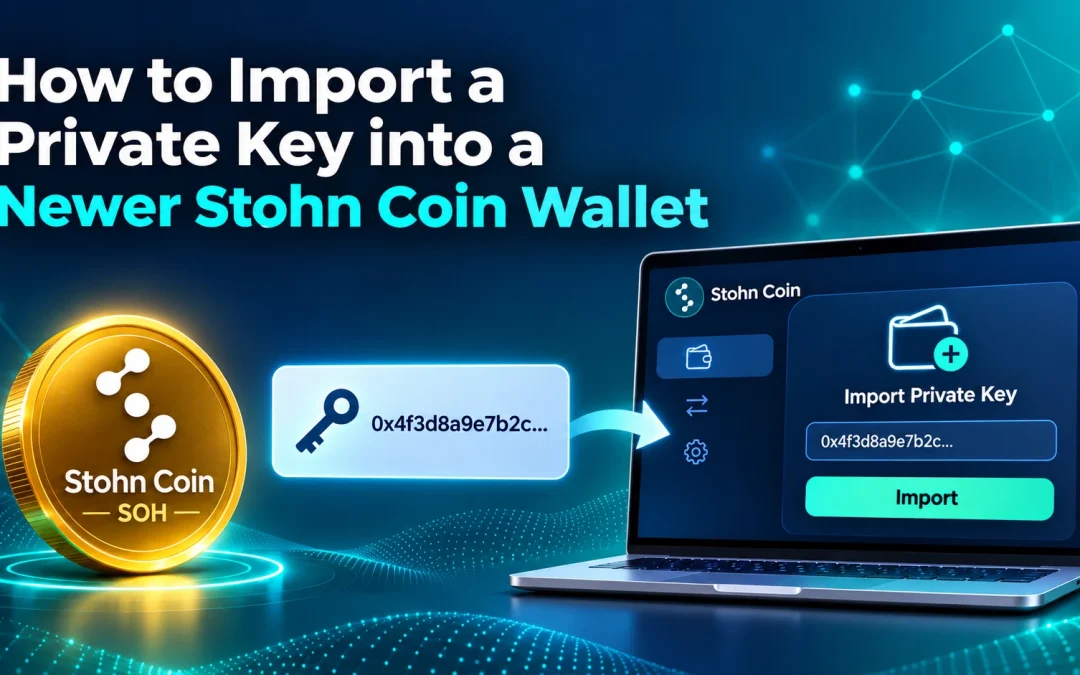
How to Import a Private Key into a Newer Stohn Coin Wallet
If you have tried importing a private key into Stohn Coin Core and received this message, your wallet may be using the newer descriptor format: Only legacy wallets are supported by this command (code -4) Private-key importing is still supported. Legacy wallets use...

How to Use the Stohn Coin Core Wallet: A Complete Beginner’s Guide
Stohn Coin Core is the official full-node desktop wallet for Stohn Coin (SOH). It works similarly to the Bitcoin Core wallet, meaning it downloads and validates the entire blockchain locally, giving you full control of your coins, private keys, and transaction...

Update Instructions for Stohn Coin Node (v3.1 to v3.2)
Interested in Installing a Stohn Coin Node on a Digital Ocean Server? Welcome to the Stohn Coin Node Update Guide Keeping your Stohn Coin node up to date is essential for ensuring optimal performance, enhanced security, and compatibility with the latest blockchain...

How to Install a Stohn Coin Node on a Digital Ocean Server
Already have a Node? Here is a detailed guide on updating your current Stohn Coin Node to v3.2. Understanding a Node in Blockchain Technology [UPDATED: Jan 19th 2025] In the world of blockchain and cryptocurrencies, a "node" is a fundamental element that plays a...

Securing and Preparing Your Stohn Wallet for Recovery
In the event that something happens to the computer you are hosting your Stohn wallet on, it is important to keep secure backups of your wallet so that you may recover them on another device. This includes generating your private key, encrypting your wallet, and...
 How to Import a Private Key into a Newer Stohn Coin Wallet
- The Best Beginner’s Guide to Stohn Coin
- Securing and Preparing Your Stohn Wallet for Recovery
- How to Use the Stohn Coin Core Wallet: A Complete Beginner’s Guide
- Update Instructions for Stohn Coin Node (v3.1 to v3.2)
- How to Install a Stohn Coin Node on a Digital Ocean Server